Online hands-on courseGrok Bot AI Assistant · Hands-on course · 7 modules 26 lessons
Build a
24/7 AI employee
You're still asking AI one question at a time. This course takes you from zero to a working AI assistant — one with a role, your knowledge, memory, and recurring tasks. No coding required.
$77Early bird
Original price $297 · Offer ends 12/30- Build an always-on AI assistant that's there whenever you need it, 24/7
- It remembers what you've said and understands your preferences
- 7 modules · 26 lessons · no coding required
22:40Assistant online
Your AI assistant24/7
07:00
Daily tasksScheduled
Yesterday's inquiries compiled
Output summary
Notifies you
09:30
Instruction setup
# Role
You are my course'ssupport assistant
# Boundaries
Answers only course and refund questions
# When unsure
Say it doesn't know and hand off to a human
14:00
Knowledge base12 docs
Course plan details
FAQ
Refund and service rules
01Build the assistantSet the role and boundaries
02Feed it knowledgeAdd your expertise
03Give it memoryRemembers what you've said
04Schedule tasksRoutine work runs itself
THE PROBLEMYou use AI.
You use AI.
So why hasn't your output changed?
The problem isn't that you're not trying hard, and it isn't that the tools are weak. It's that you keep using one-off Q&A to handle work that needs a long-term division of labor.
Your expertise lives in documents and in your head, where AI can't find it
So it always gives you the "average person" answer, and you still have to revise it yourself.You've tried ChatGPT, Gemini, and Copilot, and every one of them only helps you think
Copying, pasting, formatting, and sending are still on you. The more tools you have, the busier you get.It stops working the moment you leave the computer
That's not an employee, it's a timer. Take a day off and your business stops for a day.Daily sorting, compiling, and replying eat up your best hours
You're spending your highest-value hours on your lowest-value work.You want to turn your experience into an asset, but it stays only with you
Output only happens when you show up. That's why you've never been able to scale.“What you're missing isn't a stronger tool, it's aNo re-briefing every time, it keeps running on its ownthe division of labor.”
If you're tired of briefing it again every time, get this done once and for allEarly bird $77 · Offer ends12/30
See how the course teaches itTHE SOLUTION
An AI assistant is built in three layers
Once you understand these three layers, you can judge for yourself why your assistant performs well or poorly instead of constantly switching tools. That's the throughline of this course.
01InstructionsWho you are, what you don't do, and what format you output
02KnowledgeYour documents, SOPs, and FAQs
03ToolsScheduled tasks, integrations, proactive alerts
First, let it know who it is
Most people write prompts like essays; what you need to write is an executable spec. Spell out the four parts, role, boundaries, process, and output format, and you never have to repeat yourself in later conversations.
Then feed in your expertise
Turn your service descriptions, pricing, and SOPs into knowledge it can look up. It stops generating from thin air and answers from your own data instead.
Finally, let it handle work on its own
Set the sources and the schedule, and the routine work of organizing, aggregating, and notifying runs itself. It keeps working even when you're away.
These three layers are the backbone of the course, and once you get them you won't need to switch tools againEarly bird $77 · Original price $297
Get started for $77A DAY WITH YOUR ASSISTANT
A day with your AI assistant
What makes the difference is not how smart it is but that it keeps running, including when you are not around. On any given day, everything you did not have to do is what it took over for you.
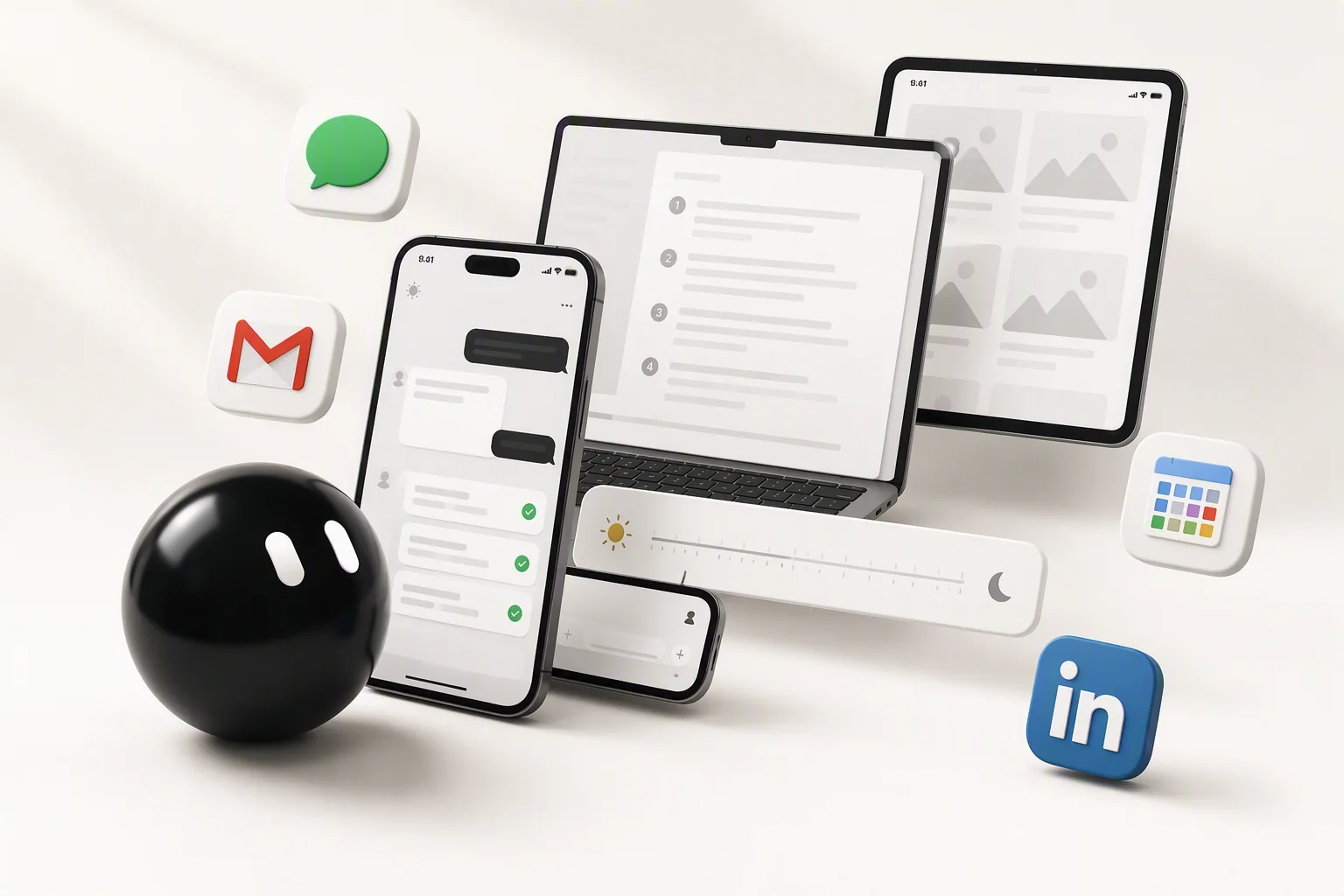
07:00
You're not up yetLast night's inquiries are summarized into one paragraph, waiting for you to open.
09:30
You're writing a new instructionWrite how this role should reply into a spec, set it once, and it holds for the long term.
14:00
The assistant is checking your knowledge baseAnswers come from the documents you provide, not thin air.
22:40
A customer asks about price late at nightThe assistant replies instantly with plans and a purchase link. You only see it the next morning.
03:00
It runs while you sleepThe scheduled task handles sorting and notifications, so you just read the results in the morning.
YOUR AI EMPLOYEE
What an AI employee can do
Not a chat window waiting for your question, but a work partner that really does things for you and understands you better over time.
Always availableNo scheduling, no waiting for replies. Ask whenever it occurs to you and it takes over right away.
Online 24/7While you're off work, in meetings, or asleep, your scheduled tasks still get done.
Has memoryIt remembers what you've told it, so you don't have to re-explain the background every time.
Learns your preferencesIt knows how you usually reply and what you care about, and gets closer to your way of working the more you use it.
This is how an employee who never takes time off operatesEarly bird $77 · Original price $297 · Offer ends 12/30
Get started for $77WHAT YOU WILL BUILD
After this course, you can hand these six things to your assistant
Every tile below is a hands-on project from the course, not an illustration. Complete them and these screens will appear on your own Grok Bot.
08:30Monday morning, before you've even opened your laptop
08:30
Your AI employeeDaily summary · Scheduled
Runs automatically at 07:00Yesterday's inquiries, comments, and to-dos are all sorted
23 customer inquiries
3 replies need you personally
Summary pushed
The summary is already done before you reach the office
Your assistant turns yesterday's customer inquiries, messages, and to-dos into a single summary. Five minutes of reading tells you what to do first today, with no scrolling through each one yourself.
Every taskWhen you need it to do the same kind of thing again
Role and boundariesKnowledge baseTask schedulingOutput format
# RoleYou are my operations assistant
# BoundariesAnswer only from the material I provide, and say you don't know when unsure
# OutputLead with the conclusion, then list three reasons
The same task, without saying it twice
Write who it is, what it doesn't do, and what format it outputs into a single spec. After that it follows the same rules every time, with no need to re-explain the background.
When a customer asksThe customer asks about the details while you're busy
14:12
Customer chatKnowledge base · 12 documents
It answers from your expertise, not generic internet knowledge
Feed it your service descriptions, SOPs, and FAQs. Answers stay grounded in your own materials, and once you add something it keeps remembering it.
Weekly routineWhen it's time to sort the lists and reports againMerged 4 duplicate records and aligned the fields to your settings
This week's leadsField settingsMerge duplicatesExport
NameSourceStatus
Ms. WangChatReplied
Mr. ChenFormFollow up
Ms. LinChatConverted
Lists and reports organized into the format you want
Organized by the fields you define, with duplicates merged automatically. No more manual copy-paste or cross-checking columns.
When it's time to postWhen it's time to post or write back
18:05
DraftTone: practical, direct
Drafts come out in your voice, so you only polish
Specify the tone, length, and structure, and you get a draft you can edit directly. Your job is deciding whether to publish, not writing from scratch.
22:40A customer asks something even you're unsure about
22:40
Customer chatSent to a human
It knows to stop when unsure instead of guessing
When a question is out of scope it says it doesn't know and hands off to you, rather than forcing an answer. Test it on your own account until you're happy, then open it to the public.
Monday morningsYou need to read last week's sales and marketing resultsUp 18% this week, and Saturday's ad return is clearly higher than any other day
OverviewSalesAdsCommunity
MonTueWedThuFriSatSun
It turns scattered numbers into a single dashboard
Connect the numbers from your orders, ads, and social dashboards, and your assistant compiles a readable performance board every week, flagging the day something looked off.
When you need assetsPosts need visuals, videos need short cuts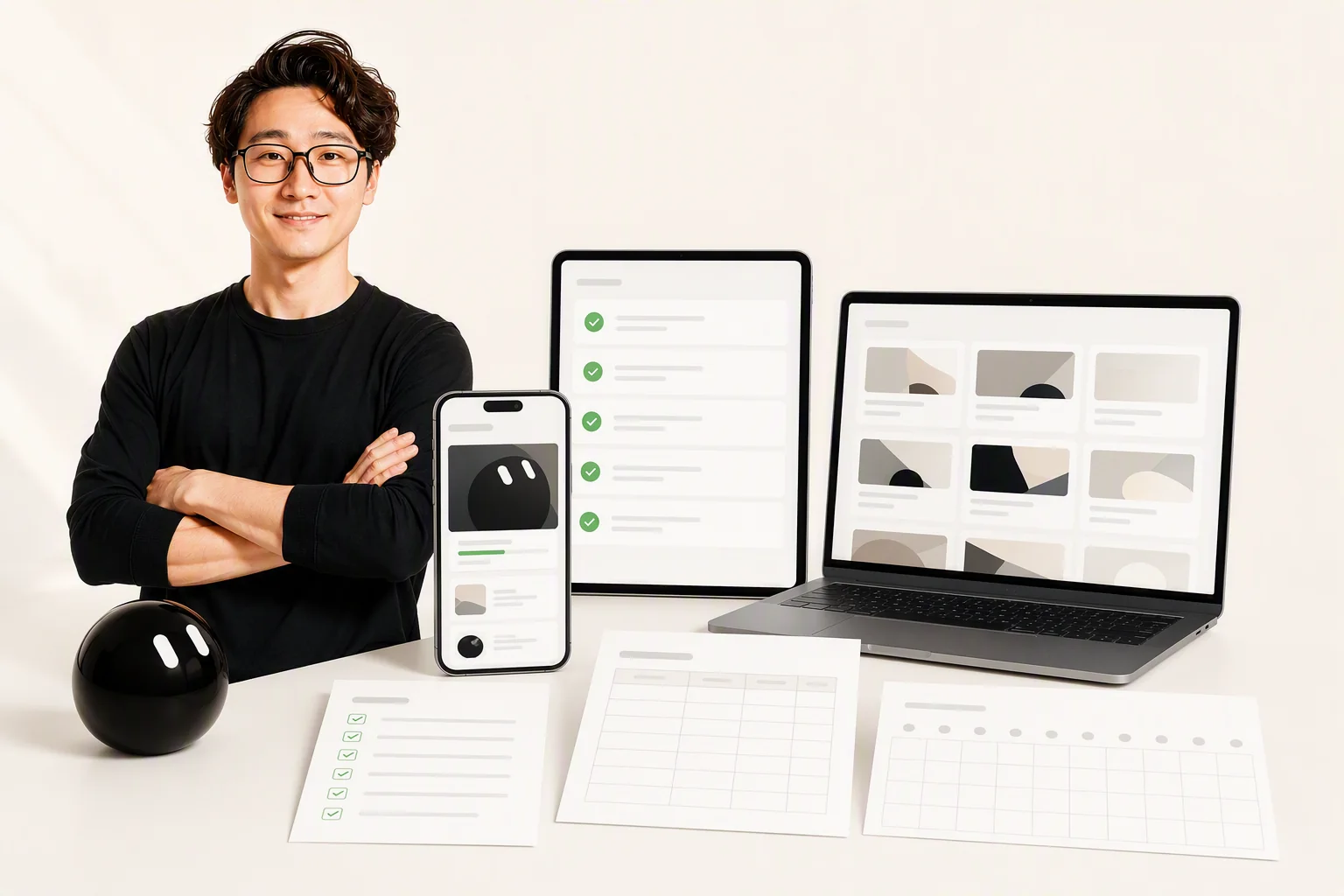
 00:38
16:20
Content productionTone: practical, direct
Three use cases for the new product, opening with a pain point to grab attention.
♥ 1,284💬 96↗ 218
00:38Vertical 9:16Subtitles synced3 short videos
Generate images and video scripts just by chatting
Brief it on the topic, tone, and dimensions and your assistant produces asset versions you can use right away; for video it drafts the script and storyboard first, then hands off to editing once you approve.
Before publishingThe same content has to go out on several platforms
Tuesday 20:00 · IG postThursday 12:30 · Threads postSaturday 21:00 · Instagram post
Schedule once, auto-publish to multiple platforms
Hand the same content to your assistant and it rewrites it for each platform's format and length, schedules the posts, and publishes automatically while you watch the results.
Every demo here is something you'll build in the courseEarly bird $77 · 26lessons · Lifetime access
See the full course modulesBEFORE / AFTER
What's the difference
Tools like ChatGPT solve the question of this one time; Grok Bot solves what this role has to handle all the time.
Before
- Restating the background and rules in every conversation
- Your expertise stays in files the assistant can't reach
- When you stop typing, the AI stops working
- You still handle every repetitive task yourself
You: Write a post for me (the 47th time this month)AI: Who's the audience? What tone? How long should it be?You: ... (explaining the background from scratch again)
After
- Set the role and boundaries once, then never restate them
- Knowledge keeps accumulating, add it once and it always remembers
- Scheduled tasks run on their own, no need to ask
- It remembers what you've told it, and gets smoother with use
You: line up this week's postsAssistant: 3 posts written in your voice for your audience, scheduled for Tue / Thu / SatAssistant: Last week's performance is in a table in the same document
From "retelling it every time" to "set it up once"Early bird $77 · Offer ends12/30
This is exactly what I wantIS THIS FOR YOU
Take 30 seconds to see if it's a fit
A fit for this course
You judge → the assistant executes
- Want AI to actually do things for you, not just answer questions
- Content creators and independent media who want an assistant with a fixed role
- You run your own business or service and repetitive tasks eat up your time
- Willing to spend 6 to 7 hours building along
Not a fit for this course
Engineering setup · Getting rich while you sleep · Watch but never do
- Engineers who want to learn to code and connect APIs
- Looking for passive-income automation with zero maintenance
- Only want to follow the trends, not actually build anything
- Expecting the course to guarantee a specific income
If you match those four points on the left, this course was built for youEarly bird $77 · Offer ends12/30
Yes, sign me upCURRICULUM
7 modules · 26 hands-on lessons
Start with your first AI employee and work all the way up to a team of AI employees you can hand work to at any time. Every chapter has a clear outcome, and expanding it shows what it will walk you through building. All 26 sections are already live and activate right after payment.
2-1AI employee job description: turn vague requests into clear work requirements9 min
2-2AI employee four-part structure: role, boundaries, workflow, and output format14 min
2-3Where should memory, knowledge bases, and Skills live?21 min
2-4Organize the services, plans, prices, and SOPs in your head into a knowledge base12 min
2-5Hands-on: build an AI employee for your industryHands-on15 min
7modules, split by role and task
26video lessons,About 6 hours 10 minutes
12prompt templates covering support, content, sales, and admin
20point launch checklist, check every item before you deploy
26lessons, all built around one thing: getting the assistant to truly take overEarly bird $77 · Original price $297 · Offer ends 12/30
Enroll directlyINSTRUCTORYouTube channel @TikTokEthan ↗
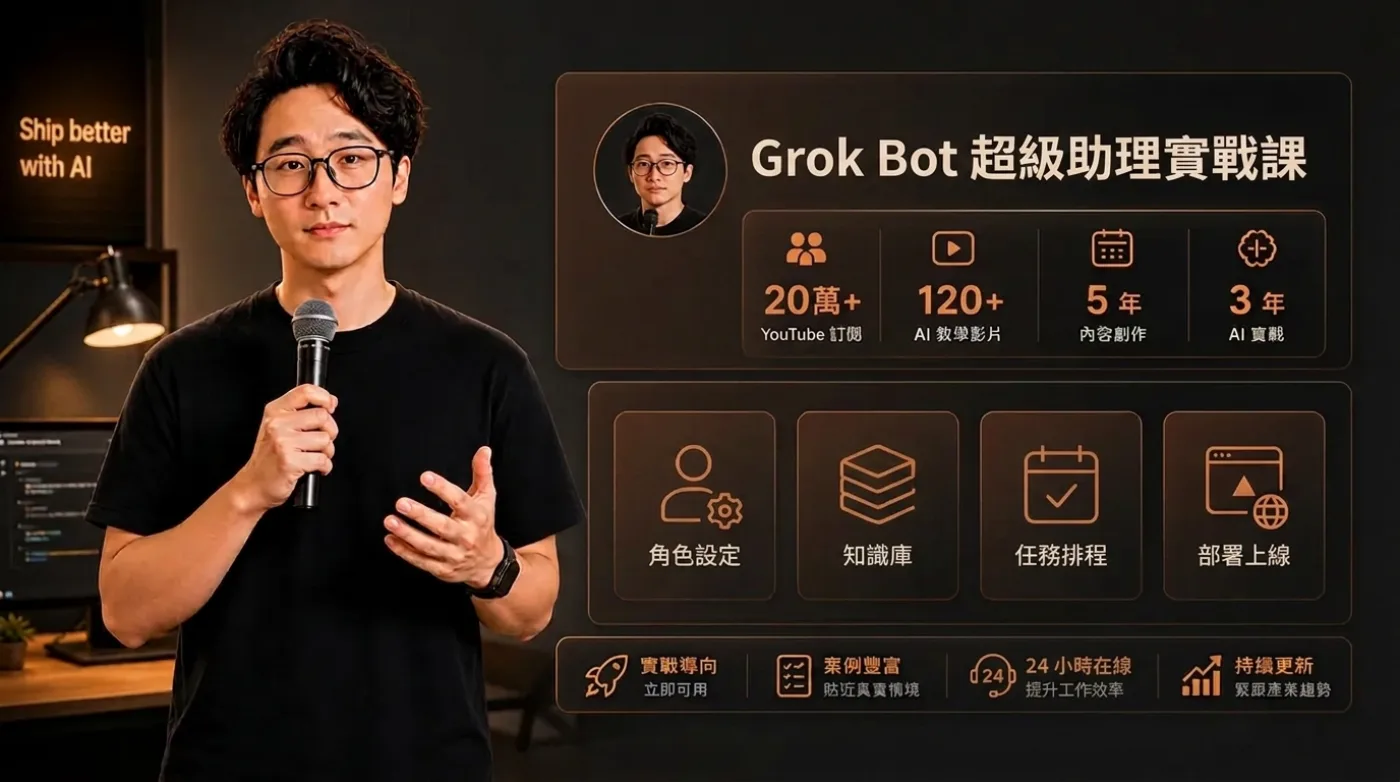
Ethan breaks down the AI workflows he uses every day so you can see them
This course isn't a roundup of other people's tool intros. It takes the pitfalls I actually hit in content creation, research, websites, and data organization, and turns them into a hands-on path that non-engineers can follow.
200K+YouTube subscribers
120+AI tutorial videos
5 yearsContent creation experience
3 yearsHands-on AI experience
WHAT YOU GET
Here are the six things you actually get
It's not just video. Every item is something you can open and use the moment the course ends.
Build an AI employee that's already live and can greet your customers for you26hands-on video lessons; follow along from zero and finish with a real deliverable
No need to learn how to talk to AI — just apply pre-tuned prompts12 ready-made prompts: support, content, sales, and admin. Copy, paste, and start working
Know the 20 things to check before opening it up to clientsA launch checklist so your assistant never gives a wrong answer and damages your reputation
Turn ten years of expertise into answers it can find and answer accuratelyA knowledge base worksheet — fill in the blanks to move what's in your head into it
Follow it every day, no need to work out the next step yourselfA 30-day action plan that turns the course into an executable schedule
New units land in your account automatically, with no extra paymentFree updates for lessons added within the same version
200K+Instructor's YouTube subscribers
120+AI tutorials published
About 6 hours 10 minutesTotal course length
LifetimeAccess period, including future updates
Six deliverables in one go, no add-ons neededEarly bird $77 · Original price $297 · Offer ends 12/30
Get it for $77PRICING
Buy once, watch forever
Early bird ends 12/30.Access activates automatically once payment is complete; sign in to start learning.
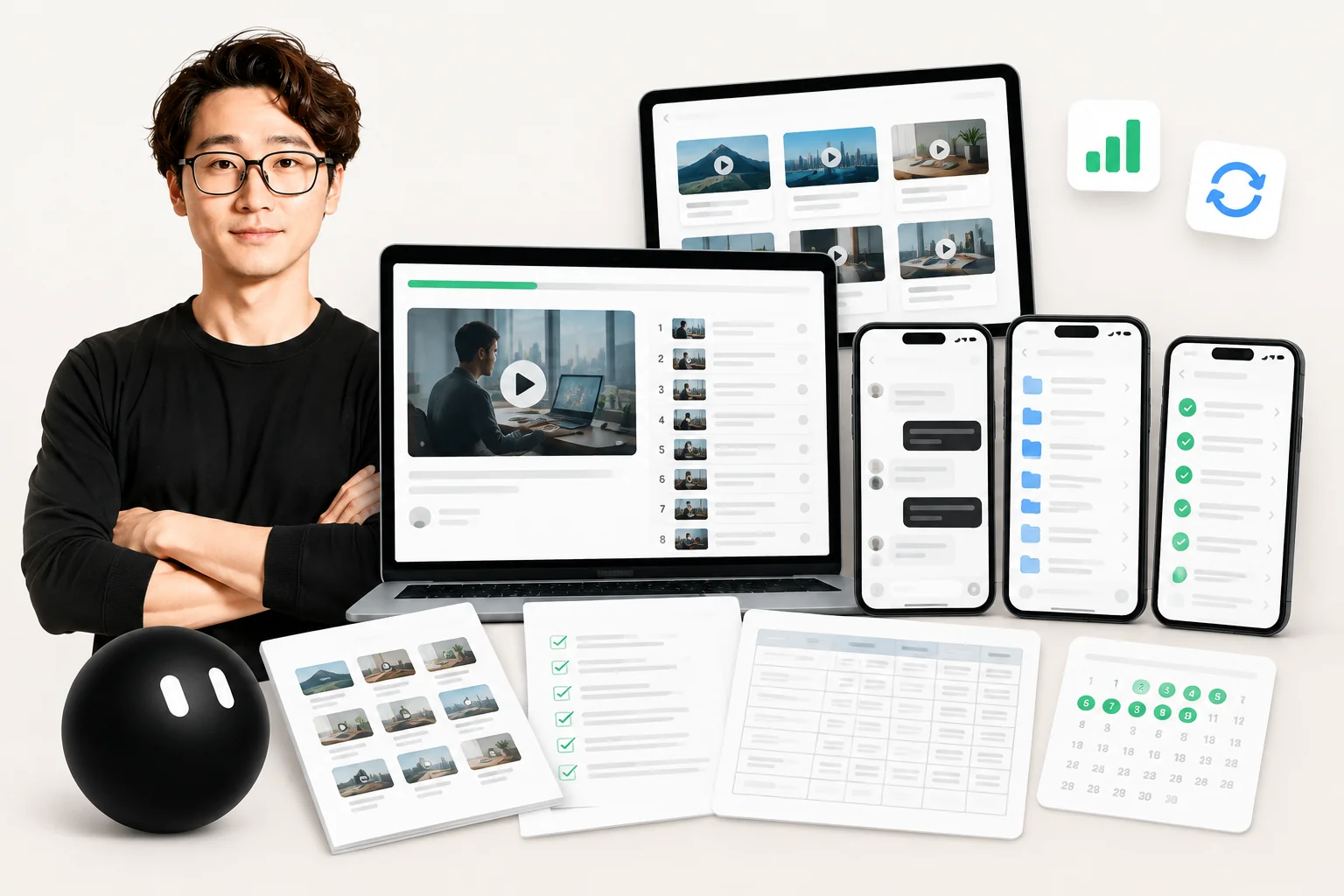
Early bird offer
Original price $297$77≈ US$77
Early bird ends12/30.Access activates automatically once payment is complete; sign in to start learning.
- Build an AI employee that's already live and can greet your customers for you|26hands-on video lessons; follow along from zero and finish with a real deliverable
- No need to learn how to talk to AI — just apply pre-tuned prompts|12 ready-made prompts: support, content, sales, and admin. Copy, paste, and start working
- Know the 20 things to check before opening it up to clients|A launch checklist so your assistant never gives a wrong answer and damages your reputation
- Turn ten years of expertise into answers it can find and answer accurately|A knowledge base worksheet — fill in the blanks to move what's in your head into it
- Follow it every day, no need to work out the next step yourself|A 30-day action plan that turns the course into an executable schedule
- New units land in your account automatically, with no extra payment|Free updates for lessons added within the same version
7-day money-back guaranteeYou may request a refund under the platform refund policy before viewing any paid unit.
The course price rises in stagesGet it now and save 74%
$77Current priceNowNow – 12/30
$156Phase two12/30 ~ 2/28
$297Original priceFrom 2/28
Pricing increases by stage, so the later you buy, the higher the price. Access activates automatically after payment, and you can start learning as soon as you sign in. You can request a refund within 7 days as long as you haven't watched the paid lessons.
Prices include tax. Refunds follow the platform policy. All 26 lessons are live and unlocked immediately after payment. This course has no affiliation, partnership, agency, or endorsement relationship with Google, Meta, xAI, Grok, Anthropic, OpenAI or any other third-party platform; tools and platforms mentioned on this page are used only for teaching and examples.
FAQ
You might want to ask before you start
Yes. The entire course uses no programming language at all; every step happens in the Grok Bot and your chat tool interfaces. The course demos each step, so you'll have a finished product by following along.